 Sign Up Now

New Features Design [TEST]
The job management system designed for all industries
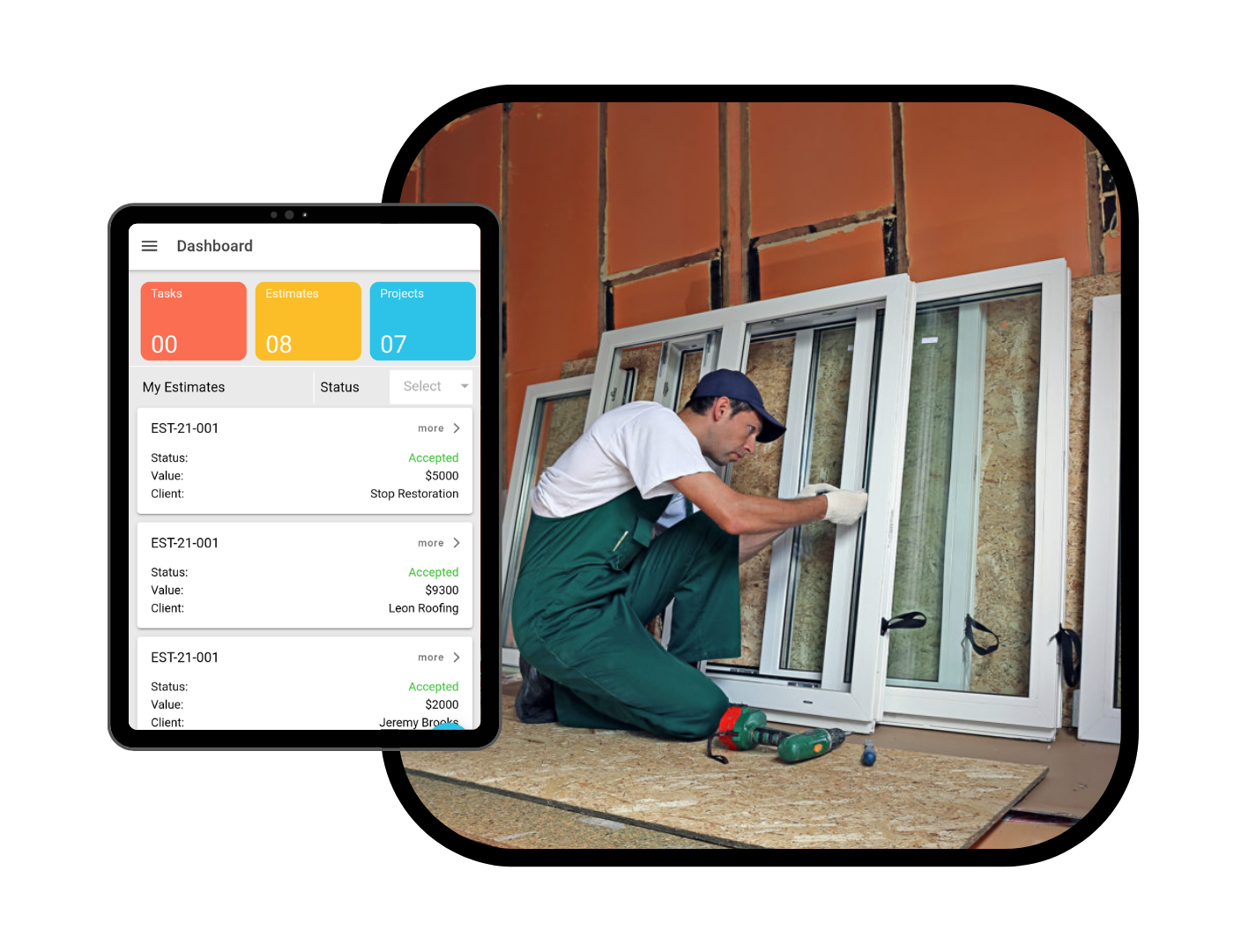
Grow your restoration business the smart way with Resilient Pro CRM, the comprehensive and customizable job management solution.
Features
Time Management
Time Entries
Multiple time entries will automatically be associated with a task. The time will by default be added to the employee/user to whom task is associated but system has flexibility to add time entries for other employees as well.
Simple Timers
Task shows a timer with option to start and stop. As soon as user starts working on the task the timer is started and when work is done the time is stopped. This will automatically add time entry to the task for the user.
Timesheets
Based on the time spent on various tasks, a timesheet is created automatically with no hassle of creating the timesheet manually. It also has the option of displaying timesheets under different periods: day, week, month, year, or a custom time interval.
Submissions
Timesheets are configured to be sent through mail/fax automatically to manager/leader/payroll specialist. The setup process is simple and customizable so it can be done at several levels.
Approvals
The approval process approves submitted timesheets, which can be used to generate invoices and track employee working hours.
Task Management
Task Management
Break down projects into smaller tasks and track your team's progress on each one. Customize the priority of each task, allowing the work to be completed quickly and efficiently.
Time Tracking Integration
Time tracking is integrated into tasks and project reports, simplifying the report process for users through automated time calculations.
Estimated Time
Given a task's priority, an estimated time for the task can be logged, allowing for users to have a rough estimate on how long a task will take to be completed
Task Templates
Create templates that can mirror all types of tasks to quicken the process of writing tasks and simplify all the information needed to write them.
Milestones
Create milestones to group tasks and manage deliverables within a project, while applying the estimated time on each task to create a milestone timeline. Timelines can be used to monitor the milestone progress.
Calendar Integration
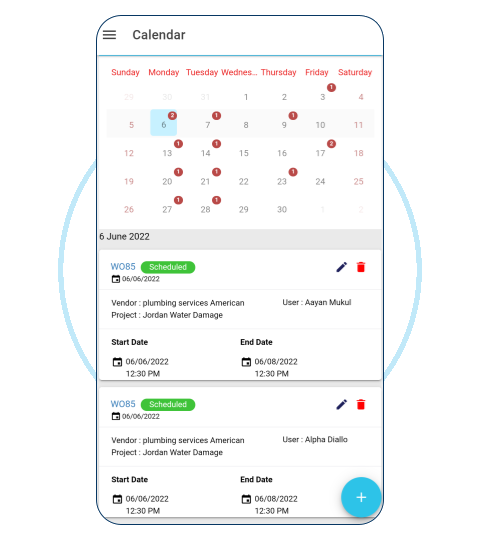
Schedule tasks to your device's calendar with the click of a single button. These tasks can also include work orders, deliveries, etc.
Administration & Customization
Default Work Types
Set up different types of services and work for your company through Resilient Pro and assign estimated prices, teams, etc.
Default Billable Rates
Set up different types of products and services for your company through Resilient Pro and assign estimated costs, revenue, etc.
Invoices
Create invoices through Resilient's QuickBooks integrations and sync paid invoices back to Resilient Pro from QuickBooks.
Daily Emails
Emails will automatically be sent daily about current, past, or upcoming tasks or work orders as a reminder
Automated Reminders
Reminders about tasks, invoices, work orders, and services will be sent through email, onscreen alerts on the web program, or in-app notifications on the mobile application.
Audit Trail
Track the activities of all users when accounts are being altered, updated, and changed through the administration portal.
Module Customization
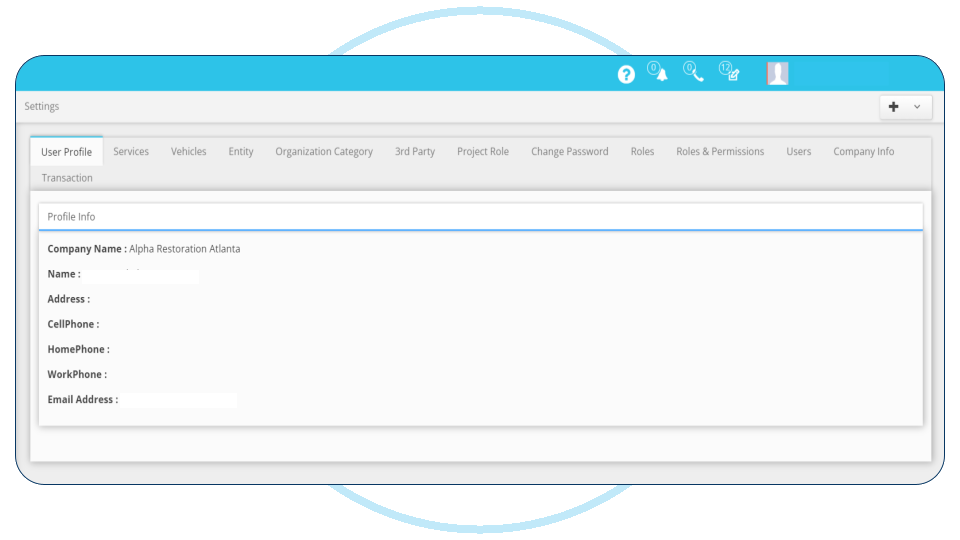
Customize the look of Resilient Pro CRM for your own business by uploading your logo and changing the modules so they best fit your business.
User Management
Control User Access
Control each user's permissions and access to projects and documents, in addition to granting reading and writing permissions to specific users through the administration portal.
User Roles
Define users and roles within your business in Resilient Pro and assign roles to specific users, as well as easily add, edit, or disable users in your business.
Link Sharing
If someone wants to share project details with others who are not using Resilient, a one-time link can be generated that grants access to the project details, which expires after a few days.
Lead & Accounting Board
Lead Dashboard
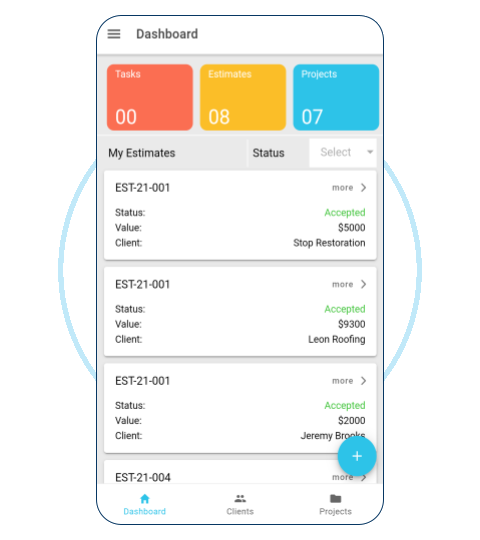
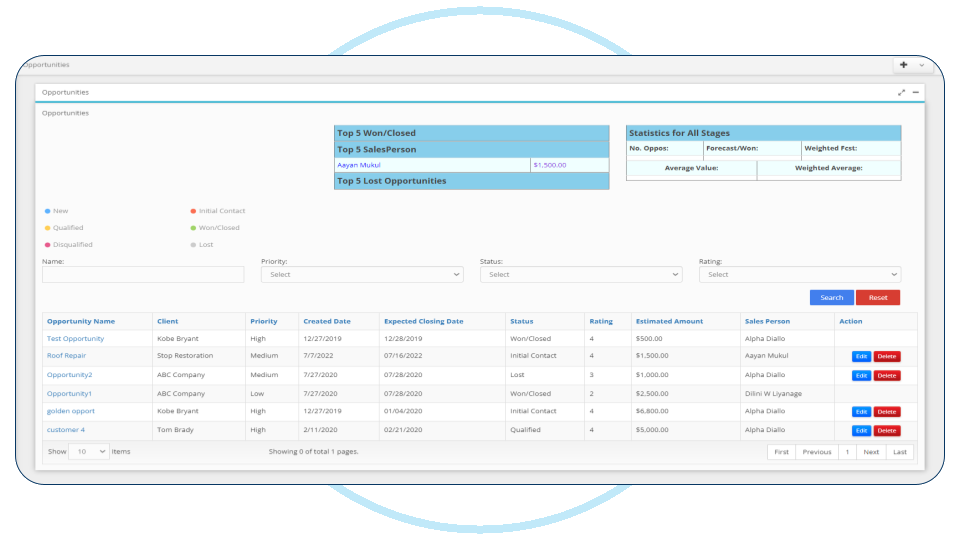
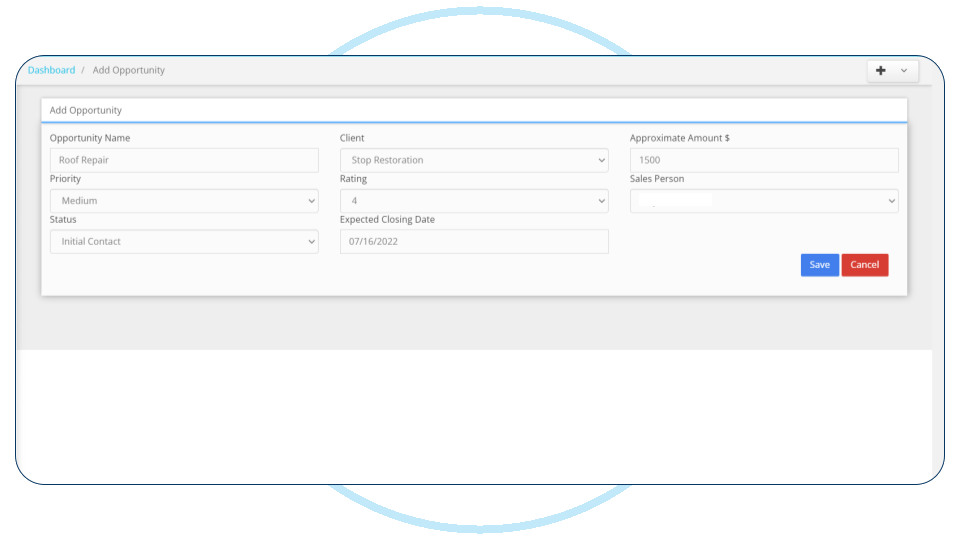
Simple, comprehensive dashboard to view all leads and their associated status. Through this dashboard, estimates can be sent as a PDF to clients easily.
Accounting Dashboard
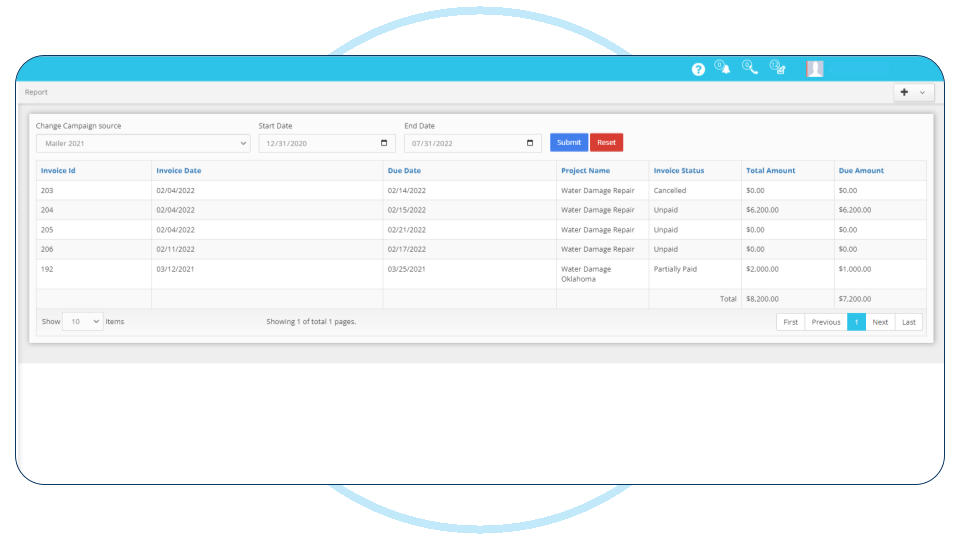
View the status of all invoices/project, whether billed or unbilled. Set up follow up dates, add notes, and view stage of progress in this dashboard.
Project Board
Project Creation
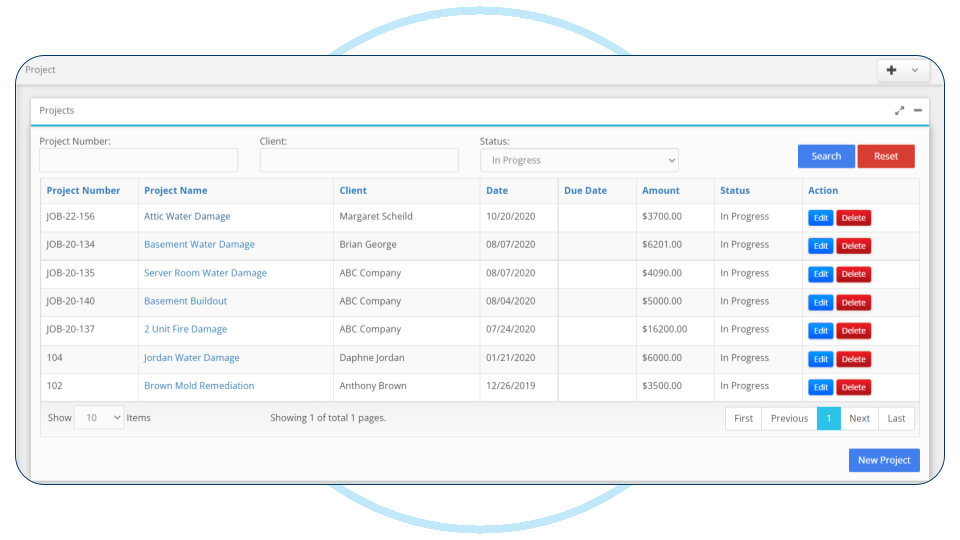
Projects can be created from a click of a button or can be created from a lead that turns into a project.
Templates
Configure templates and add default items to your project settings. Created project templates can be used for setting up projects. Templates can be extracted from a pre-existing project or it can set up by configuring it by itself.
Phases
Projects can be tracked in all types of phases from start to finish. They can be completed or closed, in addition to being cancelled or put on hold.
Collaboration
Communicate effectively on project documents and upload by viewing the status and notes on each project.
Due Dates
Set due dates on project deliverables and milestones. Notify project contacts of due dates and turn overdue milestones/tasks to the highest priority automatically.
Expenses Tracking
Track project expenses and revenue to determine the profit margin of the project as well as the total estimated costs of the entire project.
Marketing Board
Campaign Tracking
Add users to marketing campaigns and edit their purpose, while also tracking the results of them, such as how many people opened and responded to them.
Campaign Profit Analysis
View the cost of the marketing campaigns compared to the campaign revenue and the number of jobs that have to be payed.
Campaign Notes
See which campaigns are yielding more profit and add notes, expenses, subtasks, and follow up dates to these campaigns.
Groups/Routes
Create marketing routes or groups using the list of clients in the system and send out emails, attachments, etc. to all those clients to create profit.
Automated Reminders
Set reminders on project anniversaries, employee birthdays, holidays, and other reminders that could be appropriate for your business.
Resilient Pro CRM Previews
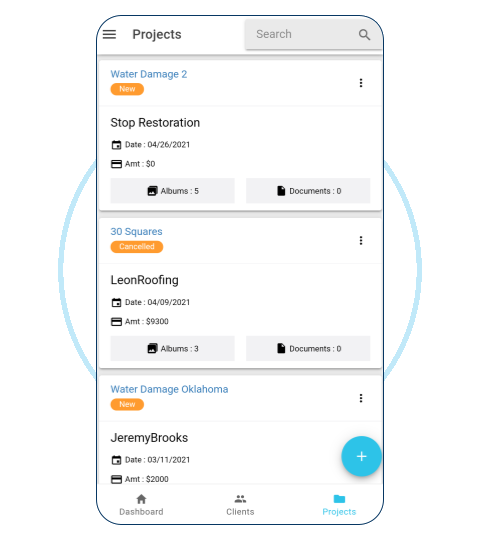
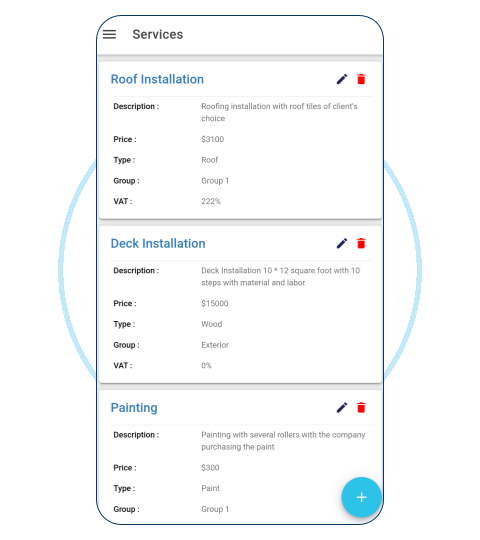
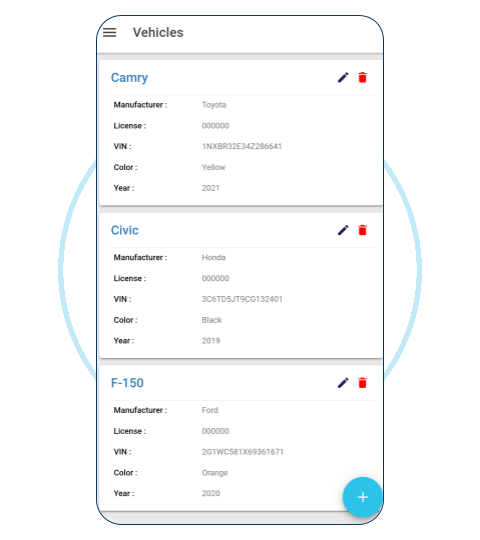
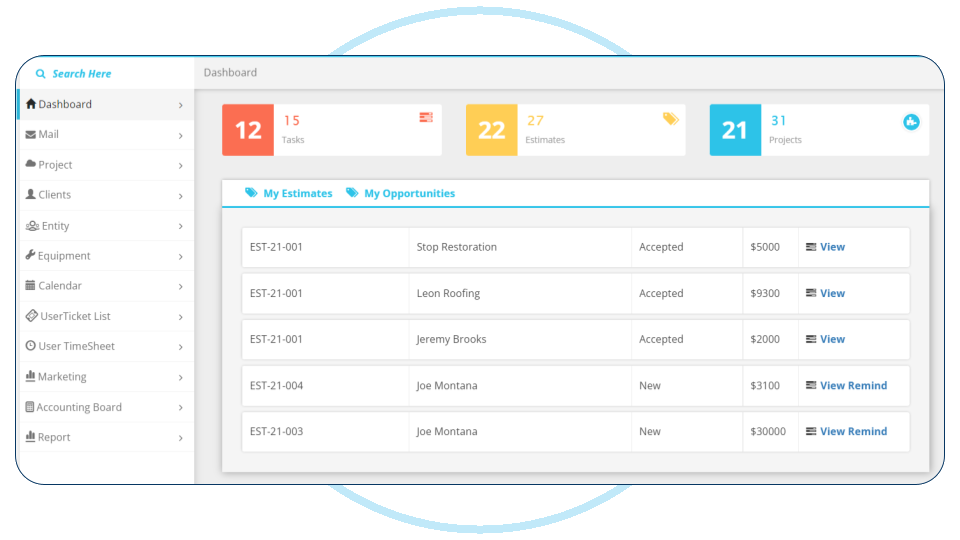
Social Links


2018-2019 Resilient Pro CRM. All Rights reserved.
Privacy Policy Terms Of Service